Free Book Downloads
Download Dr. Griffin's books to your device — completely free. Choose your preferred format below and follow the simple steps to start reading today.
Choose a Book to Download
Click the button to download your free copy. EPUB for Kindle & Nook coming soon.

Who Will Tell My Story
A compelling personal narrative from Dr. Jerry Griffin — a story of service, sacrifice, and the search for truth in a nation at a crossroads. This memoir traces the journey that shaped a University Professor, and a Marine Corps Veteran.
Downloads to your device · EPUB for Kindle & Nook coming soon

The Republic Remembers
Dr. Griffin's call to restore the founding principles of American democracy — a timely examination of what we stand to lose when citizens disengage from civic life, and what it takes to reclaim a government truly of, by, and for the people.
Downloads to your device · EPUB for Kindle & Nook coming soon
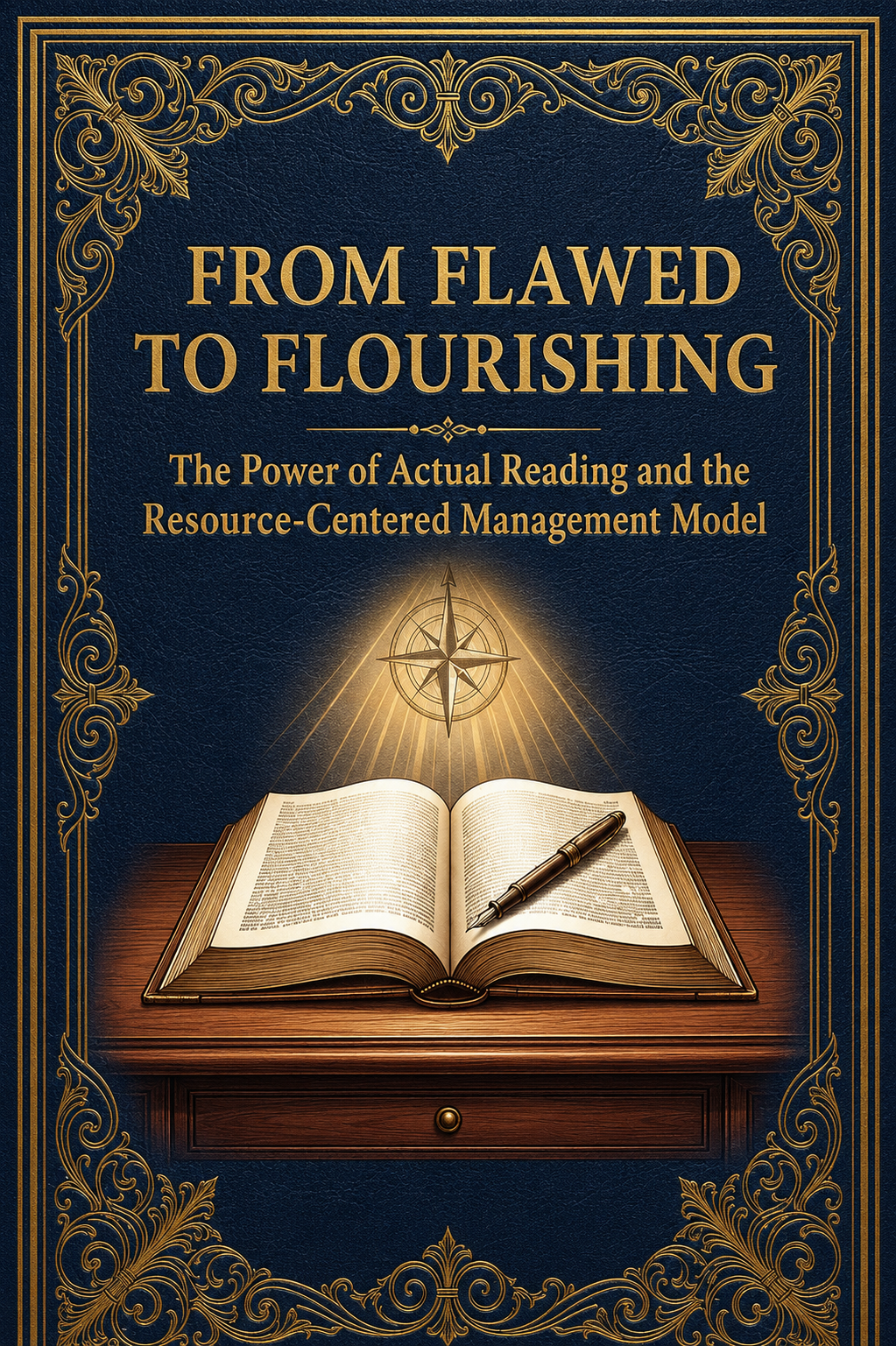
From Flawed to Flourishing: A Blueprint for Improving Reading in America
A physician and educator's evidence-based roadmap for transforming literacy in America — diagnosing the root causes of the reading crisis and prescribing practical, proven solutions that can be implemented in classrooms and communities today.
Downloads to your device · EPUB for Kindle & Nook coming soon
How to Load to Your Device
Simple step-by-step instructions for every major e-reader and device.
Loading to Your Kindle
- 1Download the EPUB file to your computer
- 2Connect your Kindle to your computer with a USB cable
- 3Open File Explorer (Windows) or Finder (Mac) and locate your Kindle
- 4Drag and drop the EPUB file into the 'documents' folder on your Kindle
- 5Safely eject your Kindle — the book will appear in your library
Tip: You can also email the EPUB to your Kindle email address found in your Amazon account settings.
Loading to Your Nook
- 1Download the EPUB file to your computer
- 2Connect your Nook to your computer with a USB cable
- 3Open File Explorer (Windows) or Finder (Mac) and locate your Nook
- 4Drag and drop the EPUB file into the 'My Files' or 'Books' folder
- 5Safely eject your Nook — the book will appear in your library
Tip: Barnes & Noble's free Nook app for iPhone, iPad, and Android also supports EPUB files.
Loading to Your Kobo
- 1Download the EPUB file to your computer
- 2Connect your Kobo to your computer with a USB cable
- 3Open Kobo Desktop or drag the file directly to your Kobo drive
- 4Safely eject your Kobo — the book will sync automatically
Tip: Kobo devices natively support EPUB — no conversion needed.
Reading on Your Phone or Tablet
- 1Download a free reading app: Apple Books (iPhone/iPad), Google Play Books (Android), or Kindle App
- 2Download the EPUB file to your device
- 3Open the file — your reading app should open it automatically
- 4If it doesn't open automatically, open your reading app and import the file from your downloads folder
Tip: Apple Books and Google Play Books are free and work great for EPUB files.
Have questions or want to learn more about Dr. Griffin's campaign?
Contact Dr. Griffin